
Voice-to-Blog Content: Why AI Dictation Changes Everything
TL;DR: A 90-second voice note on Telegram becomes a fully-formed, publish-ready blog post — no typing, no outline, no drafts. We use local Whisper transcription for privacy, route to a dedicated AI content worker with brand context, and the result reads like you spent an hour writing. This post is the proof: press play above and compare.
Press Play. This Is How We Wrote This Blog.
That’s it. A 90-second voice note on Telegram. No keyboard. No outline. No staring at a blank page. Just a human talking to an AI — and what you’re reading right now is the result.

What Is Voice-to-Blog Content Creation?
Voice-to-blog is a workflow where you record a short voice note — on your phone, via Telegram, or any messaging app — and AI transforms it into a fully-formed, publish-ready blog post. Not a raw transcription. Not a rough draft. A structured, on-brand article that captures your intent, your expertise, and your natural voice.
The recording above took 90 seconds. This article is the result.
The Problem with Typing Your Thoughts
We’ve all been there. You sit down to write something — a blog post, a proposal, an email — and the cursor blinks at you like it’s judging your life choices. You type a sentence, delete it, type another one, rearrange the words, and twenty minutes later you’ve got a paragraph that sounds like it was written by a committee.
The irony? If someone had just asked you about the topic, you’d have explained it perfectly in thirty seconds.
That’s because speaking and typing are fundamentally different cognitive processes. When you type, you’re editing as you go. You’re self-censoring, restructuring, second-guessing. When you speak, you’re thinking out loud — and that’s where the magic happens.
Why Is Voice Input Better Than Typing for Content?
When you talk through an idea, something remarkable happens:
-
Your natural rhythm emerges. The way you emphasise certain points, pause for effect, circle back to connect ideas — that’s your authentic voice, and it’s far more engaging than anything you’d carefully construct in a text editor.
-
You think more freely. Without the friction of a keyboard, your brain can focus on what you want to say rather than how to format it. Ideas flow in the order they naturally occur to you.
-
Nuance comes through. The little asides, the “oh and another thing” moments, the genuine enthusiasm — these are the details that make content feel human. They’re the first casualties of a keyboard.
-
It’s faster. Dramatically faster. The voice note that created this entire blog post took ninety seconds. Typing this from scratch? Thirty minutes minimum.
How Does Voice-to-Blog Work? (Step by Step)
The workflow is almost absurdly simple:
- Open Telegram and send a voice note to your Zack AI worker
- Talk naturally about what you want — the topic, the angle, the key points, any specific requests
- Zack transcribes, understands, and creates — not just a transcription, but a fully-formed piece of content that captures what you meant, not just what you said
The AI doesn’t just convert speech to text. It listens to the intent behind your words. It picks up on the structure you’re implying, the emphasis you’re placing, the connections you’re drawing. Then it crafts something that reads like you sat down and wrote it carefully — because in a sense, you did. You just did it with your voice.
Under the Hood: How We Built This
We believe in showing our working, so here’s a peek at the engineering that makes voice-to-blog possible. It’s not magic — it’s a carefully orchestrated pipeline of open-source tools and sensible architecture decisions.
The Voice Pipeline
When you send a voice note on Telegram, the audio arrives as an OGG file — Telegram’s native voice format. Our bot picks it up in real-time via long-polling and kicks off a two-step download:
# Step 1: Ask Telegram where the file lives
response = requests.get(f"{API_URL}/getFile", params={"file_id": file_id})
file_path = response.json()["result"]["file_path"]

# Step 2: Download the actual audio
download_url = f"https://api.telegram.org/file/bot{BOT_TOKEN}/{file_path}"
audio_response = requests.get(download_url, timeout=60)
The file lands in a temporary directory. No re-encoding needed — we pass the raw OGG straight to OpenAI’s Whisper running locally on the server. We use the small model, which hits the sweet spot between speed and accuracy for English speech:
whisper "$AUDIO_FILE" --model small --language en --output_format txt
Whisper writes a plain text file. The bot reads it, cleans up the temp files, and now we have your words as text. Total elapsed time: a few seconds.
From Text to Content
Here’s where it gets interesting. The transcribed text isn’t sent to a generic chatbot. It’s routed to a specific AI worker — in this case, a content writer with its own system prompt, conversation history, and memory context. Our multi-worker architecture means each worker has a distinct personality and skillset:
CREATE TABLE workers (
    id TEXT PRIMARY KEY,
    name TEXT NOT NULL,
    role TEXT,                    -- System prompt / personality
    model TEXT DEFAULT 'sonnet',  -- Claude model tier
    allowed_tools TEXT,           -- What this worker can do
    max_history INTEGER DEFAULT 10,
    memory_file TEXT,             -- Personal memory
    topic_files TEXT DEFAULT '[]' -- Shared knowledge topics
);
Each worker gets injected with relevant context before processing your message — its own memory, shared topic files, and recent conversation history. So when you say “write a blog post about voice input,” the content worker already knows your brand voice, your blog’s style, and your publishing workflow.
Threading and Reliability
Real-time messaging needs to be robust. We use a mutex lock on Telegram message processing to prevent race conditions — if you fire off three voice notes in quick succession, they’re queued and processed in order:
message_lock = threading.Lock()
acquired = message_lock.acquire(blocking=False)
if not acquired:
    # Another message is processing — wait in line
    acquired = message_lock.acquire(timeout=1800)
Meanwhile, messages from the Admin UI are handled on separate per-worker threads, so a long-running task on one worker doesn’t block another. It’s a hybrid model: serial for conversation integrity, parallel for multi-worker throughput.
The Little Things That Matter
A few patterns we’re proud of:
-
Idempotency guards — Telegram guarantees at-least-once delivery, so we track processed message IDs to prevent duplicates. Simple set, capped at 100 entries, cleared on overflow.
-
Smart reply routing — When you reply to a specific message, we route it to the worker that sent that message. In-memory map for speed, database fallback for cold starts.
-
Stream-JSON observability — Claude’s responses stream as JSON events, so we log every tool call in real-time to the Admin UI. You can watch the AI think.
-
Proactive memory management — The bot monitors its own RAM usage and restarts cleanly via systemd if it exceeds 1GB or has been idle for four hours. No memory leaks, no zombie processes.
if mem_mb > MEMORY_LIMIT_MB:
    logger.warning(f"Memory {mem_mb:.0f}MB exceeds limit, restarting")
    break  # Systemd picks us back up
Why This Architecture
We could have used a cloud transcription API. We could have piped everything through a single monolithic bot. But running Whisper locally means zero data leaves the server for transcription — your voice stays private. And the multi-worker design means we can scale capabilities without scaling complexity. Need a new skill? Add a worker. Need to adjust a worker’s personality? Update one database row.
It’s not the most glamorous stack. Python, SQLite, systemd, and a shell script or two. But it’s fast, it’s reliable, and it turns a 90-second voice note into a published blog post without anyone touching a keyboard.
The Meta Proof
Here’s what makes this particular blog post interesting: you can hear exactly what went in, and compare it to what came out.
Scroll back up. Press play on that audio clip. You’ll hear a stream-of-consciousness voice note — ideas tumbling out in no particular order, with “you know” and “kind of” scattered throughout. Natural, unpolished, human.
Now look at what you’re reading. Same ideas. Same energy. Same intent. But structured, refined, and ready to publish. That transformation — from raw human thought to polished content — is what happens when you let AI handle the craft while you handle the creativity.
How Can Voice-to-Blog Help Your Business?
Think about how much content your business needs. Blog posts, social media updates, proposals, email campaigns, case studies. Now think about how many of those get delayed or never happen because someone has to sit down and write them.
Voice-to-AI content creation removes that bottleneck entirely. Your subject matter experts can share their knowledge in the time it takes to leave a voicemail. Your marketing team gets authentic, on-brand content without playing email ping-pong over drafts. Your CEO can record a two-minute walk-and-talk and have a thought leadership piece ready by the time they’re back at their desk.
The best content comes from people who know their stuff talking naturally about what they know. Not from people struggling to translate their expertise into written words.
Try It Yourself
If you’re curious about what voice-powered AI content creation could do for your business, we’d love to show you. Send us a voice note — literally just tell us what you’re thinking — and we’ll show you what comes back.
Because the future of content isn’t about writing faster. It’s about not writing at all.
Key Takeaways
- Voice input removes the blank page problem. Speaking your ideas is 10-20x faster than typing them, and your natural rhythm produces more engaging content.
- AI doesn’t just transcribe — it restructures. The AI captures your intent, picks up emphasis and connections, and crafts structured content that reads like careful writing.
- The tech stack is simple. Telegram voice note → OpenAI Whisper (local) → Claude worker with brand context → publish-ready blog post. Total pipeline: seconds.
- Privacy is built in. Running Whisper locally means zero audio data leaves the server for transcription.
- Subject matter experts become content creators. Anyone who can talk about their work for 90 seconds can produce a professional blog post — no writing skills required.
- Multi-worker architecture matters. Dedicated content workers with their own memory, conversation history, and brand context produce better output than generic chatbots.
Related reading: How we built our AI-powered static blog engine | How we cut AI costs 70% with targeted memory
This post was created entirely from a 90-second voice note sent via Telegram to Zack AI. No typing, no outline, no drafts. Just voice in, blog out.
More Posts
AI-Powered SEO: How We Scored 100 on Google Lighthouse
We ran a full SEO audit on zackbot.ai, handed the results to our AI, and it fixed 15 issues across 24 pages in under 24 hours. Lighthouse Performance: 70 to 100.

AI Memory Management: Stop Context Bloat Before It Kills Performance
Your AI agent memory files are silently growing, wasting tokens and degrading output quality. Here are three self-enforcing rules you can paste into your MEMORY.md today to fix it permanently.
OpenClaw vs NanoClaw vs ZeroClaw 2026: Every AI Agent Tested & Compared
OpenClaw hit 160,000 GitHub stars and then its creator left for OpenAI. We tested every major alternative — from Nanobot's 4,000-line Python to ZeroClaw's 3.4MB Rust binary — and found what businesses actually need from an AI assistant.
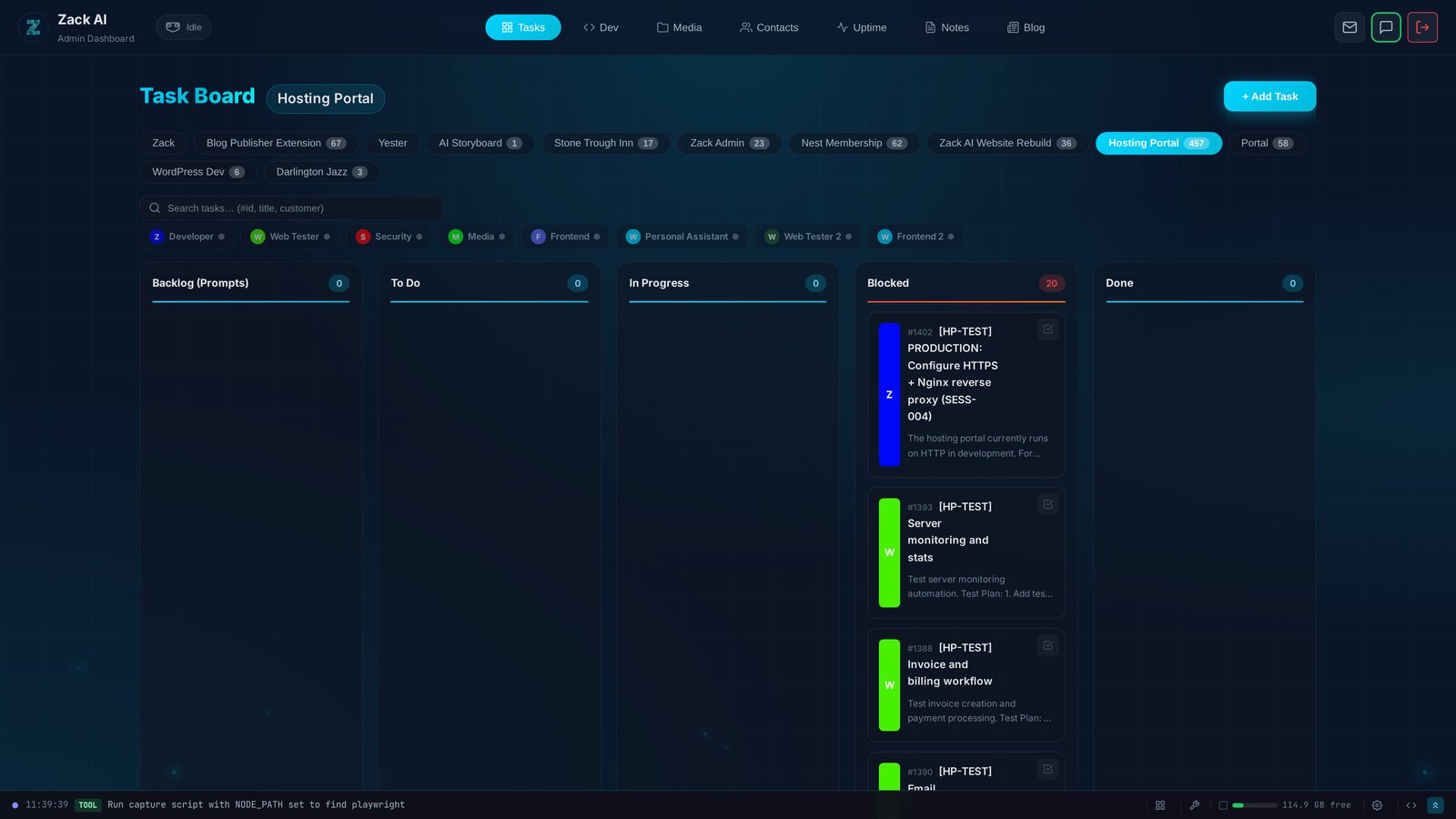
7 AI Workers, 457 Tasks, 12 Days: Shipping a Hosting Portal at Scale
Every AI coding tool today operates on the same model: one human, one AI, one conversation. We built something different — a Kanban system where 7 specialised AI workers delivered a production hosting portal with billing, security audits, and test exit reports. In 12 days.