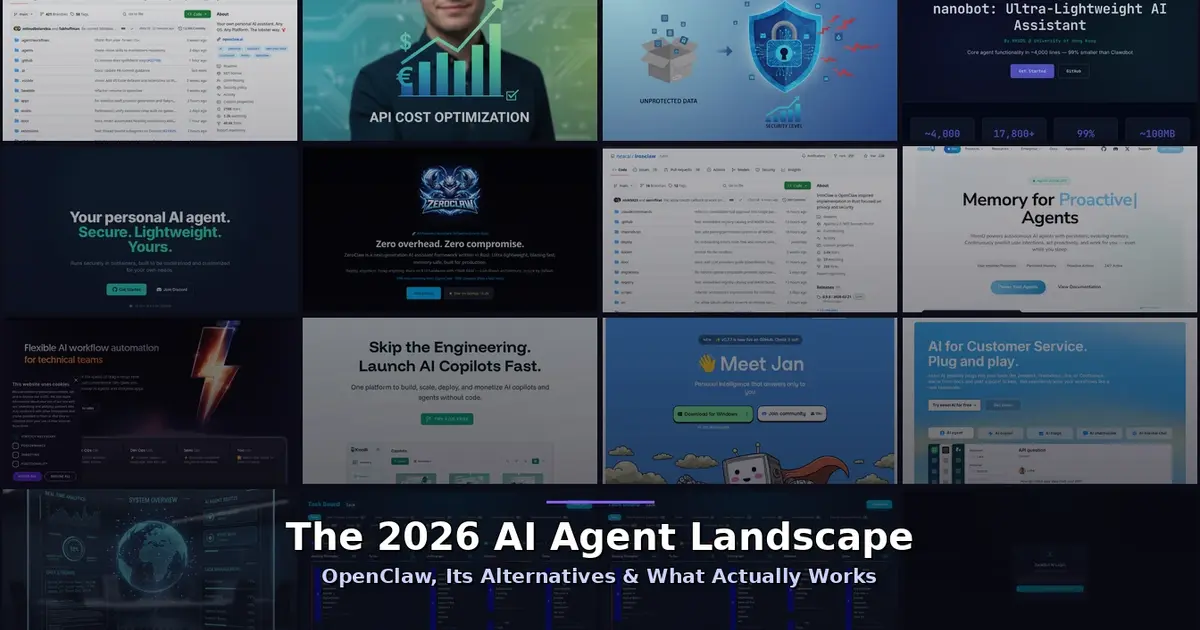
OpenClaw vs NanoClaw vs ZeroClaw 2026: Every AI Agent Tested & Compared
Everyone’s talking about AI agents in 2026. OpenClaw (formerly ClawdBot) exploded to 160,000+ GitHub stars, promised to turn your phone into a command centre for real automation, and then its creator announced he’s leaving for OpenAI. The project is being handed to a foundation, Reddit threads are calling it “an unaffordable novelty,” and Kaspersky flagged it as potentially “the biggest insider threat of 2026.”
So where does that leave us? We spent weeks testing every major AI agent on the market — the open-source darlings, the enterprise contenders, and the scrappy newcomers. Here’s what we found.
Quick verdict: Need lightweight simplicity? Nanobot. Need container security? NanoClaw. Need edge performance? ZeroClaw. Need enterprise workflows? n8n. Need total privacy? Jan.ai. Need a managed AI assistant that just works? Zack AI. Read on for the full breakdown.
GitHub Scorecard: All Agents at a Glance (Feb 2026)
Updated monthly — if you’re searching for GitHub stars, forks, and activity, this is the table you need.
| Agent | ⭐ Stars | 🍴 Forks | Language | Nanobot Alternative? |
|---|---|---|---|---|
| OpenClaw | 160,000+ | 20,000+ | TypeScript | ✗ Not comparable — 430k LOC |
| Nanobot | 17,800+ | 1,200+ | Python | ✓ Best OpenClaw alternative — 4k LOC |
| NanoClaw | 7,000+ | 480+ | TypeScript | ✓ Security-focused alternative — 500 LOC |
| ZeroClaw | 5,200+ | 310+ | Rust | ✓ Performance alternative — 3.4MB binary |
| n8n | 50,000+ | 13,000+ | TypeScript | ~ Different use case — workflow platform |
| Agent Zero | 9,500+ | 1,800+ | Python | ~ Partial — more complex, Docker-based |
| IronClaw | 3,100+ | 190+ | TypeScript/WASM | ~ Niche — WASM sandboxing focus |
Stats sourced from GitHub. OpenClaw forks include all pre-rename repositories (Clawdbot/Moltbot). “LOC” = lines of code in core codebase.
OpenClaw — The 800-Pound Gorilla
What it is: An open-source, self-hosted AI agent that connects to WhatsApp, Telegram, Slack, and other messaging apps to perform real automation — shell commands, file management, email, scheduling, web browsing, and more.
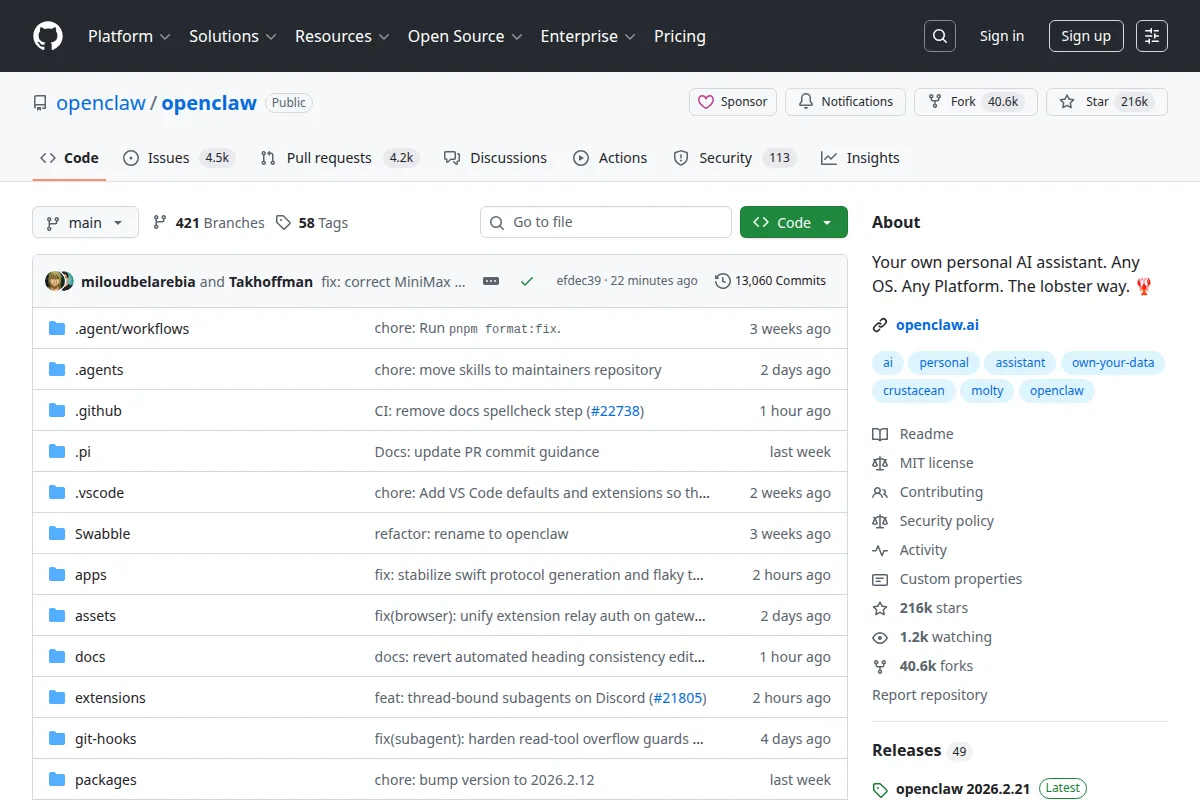
The backstory: Austrian developer Peter Steinberger published “Clawdbot” in November 2025. Anthropic threatened trademark action (the name was a play on “Claude”), so it became “Moltbot,” then “OpenClaw.” By January 2026 it had 160,000+ GitHub stars and 20,000+ forks. Then on Valentine’s Day, Steinberger announced he’s joining OpenAI. Sam Altman called him the person who’ll “drive the next generation of personal agents.”
The Good
- Massive community and ecosystem — Codecademy tutorials, Cloudflare Workers integration, “awesome-openclaw” curated lists
- Supports virtually every messaging channel
- Highly extensible Skills plugin system
- Self-hosted with full data control
The Bad
The honest truth is that OpenClaw has serious problems:
Cost: The software is free, but running it with Claude Opus for the “proactive assistant” experience costs $300–750/month in API tokens. One Reddit thread is literally titled “Clawdbot/Moltbot Is Now An Unaffordable Novelty.” A reviewer burned $250 just during initial setup.

Security: This is where it gets ugly:
- Multiple critical CVEs disclosed in early 2026
- 17% of community-contributed Skills were flagged as malicious
- API keys stored in plain text
- A fake VS Code extension turned out to be actual malware
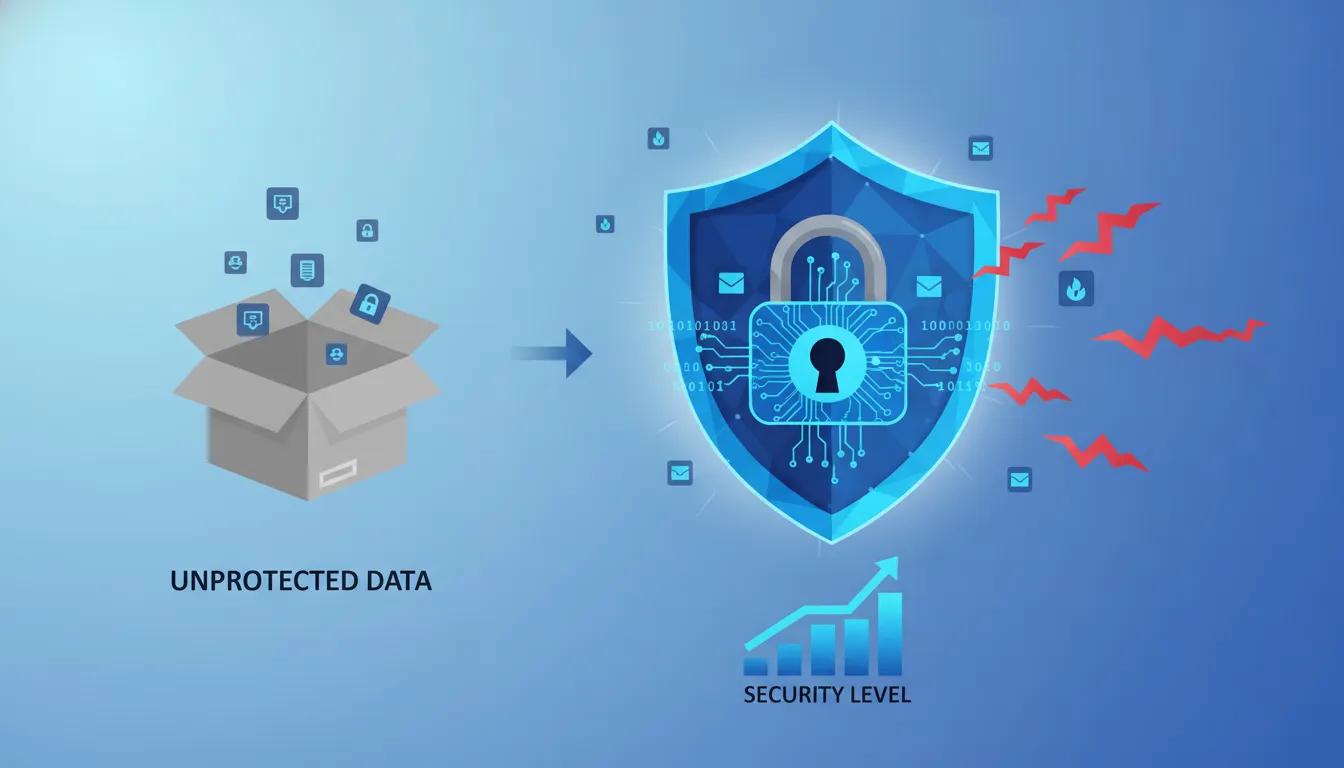
- Palo Alto Networks called it a “lethal trifecta” — access to private data, exposure to untrusted content, external communications with memory
- One of its own maintainers warned: “if you can’t understand how to run a command line, this is far too dangerous”
The codebase: 430,000+ lines of TypeScript. Good luck auditing that yourself.
Verdict: Groundbreaking concept, but the cost and security problems are real. The creator’s departure to OpenAI adds uncertainty. Great for tinkerers and developers who understand the risks; dangerous for everyone else.
The Alternatives — Every One We Tested
1. Nanobot — The Minimalist
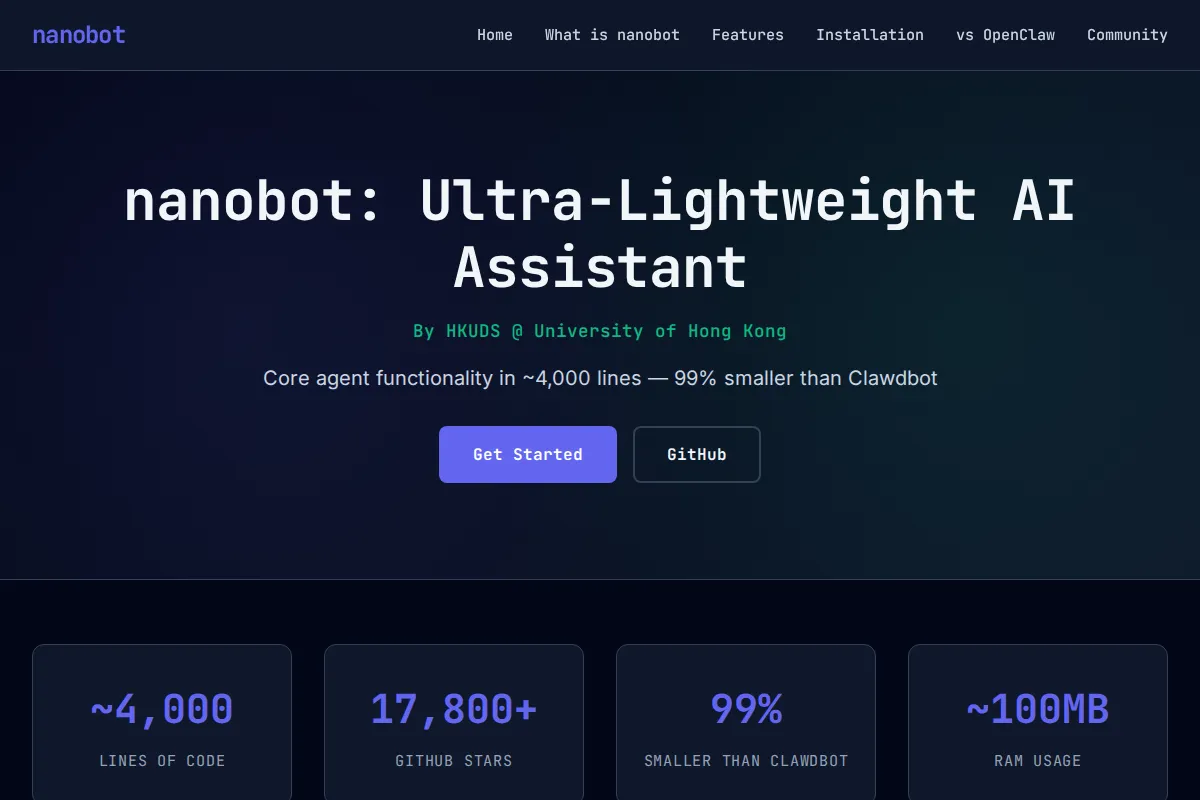
What it is: An ultra-lightweight AI assistant from the University of Hong Kong, delivered in just ~4,000 lines of clean Python. That’s 99% smaller than OpenClaw.
| Spec | Detail |
|---|---|
| Language | Python (~4,000 lines) |
| Startup | 0.8 seconds (vs 8–12s for heavier frameworks) |
| Memory | 45MB footprint |
| Channels | Telegram, Discord, WhatsApp, Slack, Email + more |
| LLM Providers | 11+ (OpenRouter, Anthropic, OpenAI, DeepSeek, Gemini, Groq) |
| GitHub Stars | 17,800+ |
| Cost | Free (MIT license) + your API costs |
Why it matters: You can actually read and understand the entire codebase in an afternoon. MCP (Model Context Protocol) support was added in v0.1.4. Academic backing from HKU gives it credibility.
The catch: Younger ecosystem, fewer integrations than OpenClaw’s plugin library.
2. NanoClaw — Container Isolation Done Right
What it is: Built by former Wix developer Gavriel Cohen, NanoClaw is ~500 lines of TypeScript that runs agents inside isolated Linux containers. Your AI can execute bash commands without touching your host machine.
| Spec | Detail |
|---|---|
| Language | TypeScript (~500 lines, ~15 source files) |
| Isolation | Linux containers (Apple Container on macOS, Docker on Linux) |
| Built On | Anthropic’s Claude Agent SDK |
| Special | First personal AI to support “agent swarms” |
| GitHub Stars | 7,000+ |
| Cost | Free (MIT license) |
Why it matters: VentureBeat covered it as solving “one of OpenClaw’s biggest security issues.” The container isolation is a genuine architectural advancement — not a bolt-on afterthought.
The catch: Primarily Claude-focused, requires a container runtime, smaller community.
3. ZeroClaw — The Rust Speedster
What it is: A Rust-based AI agent framework that compiles to a 3.4MB binary with sub-10ms cold starts. Built by contributors from Harvard, MIT, and Sundai.Club.
| Spec | Detail |
|---|---|
| Language | Rust (3.4MB compiled binary) |
| Cold Start | Less than 10ms (400x faster than alternatives) |
| Memory | Less than 5MB footprint |
| LLM Providers | 20+ (OpenAI, Ollama, Anthropic, and more) |
| Channels | Telegram, Discord, WhatsApp, Slack, Email |
| GitHub Stars | 11,500–15,700 |
| Cost | Free (MIT license) |
Why it matters: Runs on $10 edge devices. That’s 98% cheaper than a Mac mini. The trait-based architecture lets you swap LLM providers, channels, and memory backends via configuration without touching code.
The catch: Need Rust knowledge for custom modifications. Beware of impersonating domains — zeroclaw.org is NOT affiliated with the official project (use zeroclaw.dev).
4. IronClaw — WASM Sandboxing
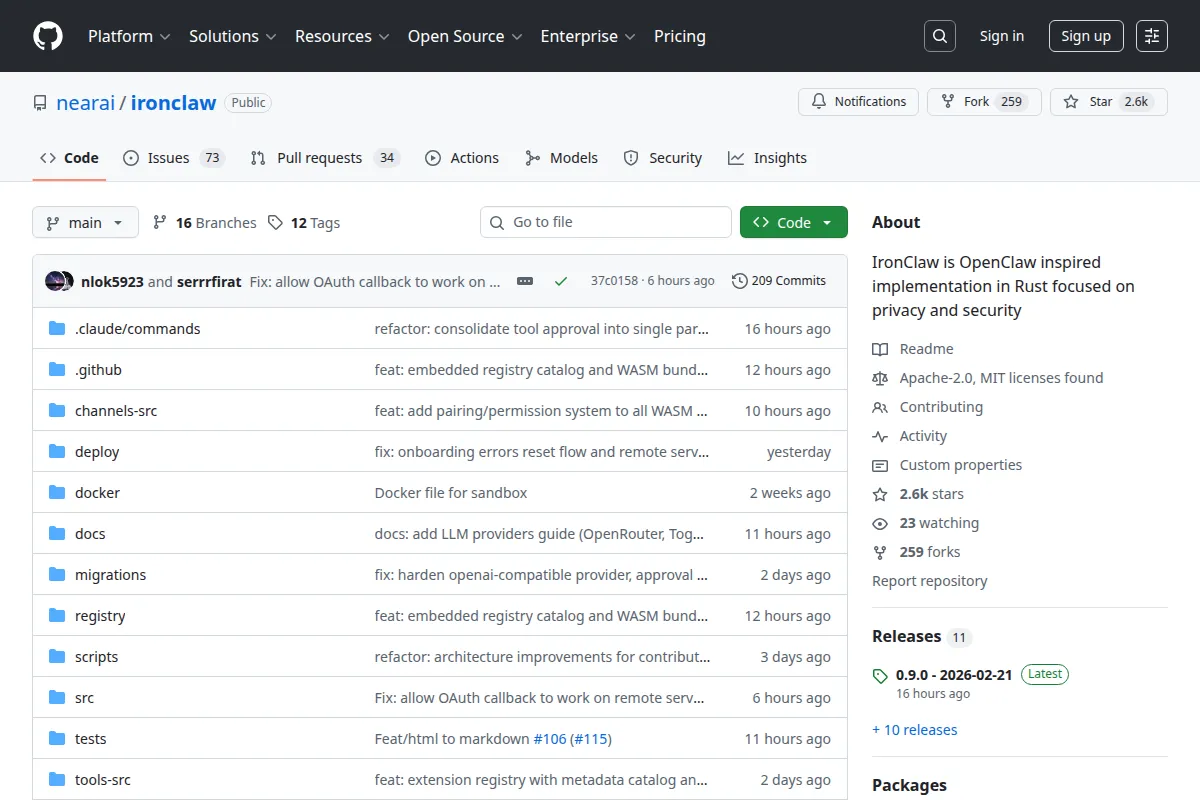
What it is: From NEAR AI, IronClaw runs untrusted tools in WebAssembly sandboxes with capability-based permissions. It’s the most security-conscious option we tested.
| Spec | Detail |
|---|---|
| Language | Rust |
| Sandbox | WASM with capability-based permissions |
| Features | Endpoint allowlisting, credential injection, leak detection, rate limiting |
| Special | Dynamic tool building — describe what you need and it builds a WASM tool |
| GitHub Stars | 2,500+ |
| Cost | Free (self-hosted) |
Why it matters: The WASM sandbox is the most secure tool execution model in this entire category. Fine-grained permissions, leak detection, and resource limits (memory, CPU, execution time).
The catch: Smallest community, WASM adds complexity, tied somewhat to the NEAR ecosystem.
5. memU — The Memory Layer
What it is: Not an agent itself, but a memory framework by NevaMind AI designed for always-on AI assistants. It turns flat conversation history into a hierarchical knowledge graph.
| Spec | Detail |
|---|---|
| Core Processes | Memorization, Retrieval, Self-Evolution |
| Architecture | Knowledge graph with entity extraction and graph traversal |
| Integration | OpenAgents Adapter for framework compatibility |
| Cost | Free starter (30 calls), Professional (600 calls), or self-hosted |
Why it matters: Addresses the “memory problem” that plagues most AI agents — they forget everything between sessions or burn tokens re-reading old context. memU optimises context before sending it to the LLM, significantly reducing token usage.
The catch: Still maturing, requires understanding knowledge graph concepts for advanced use.
6. n8n — The Enterprise Workflow Platform
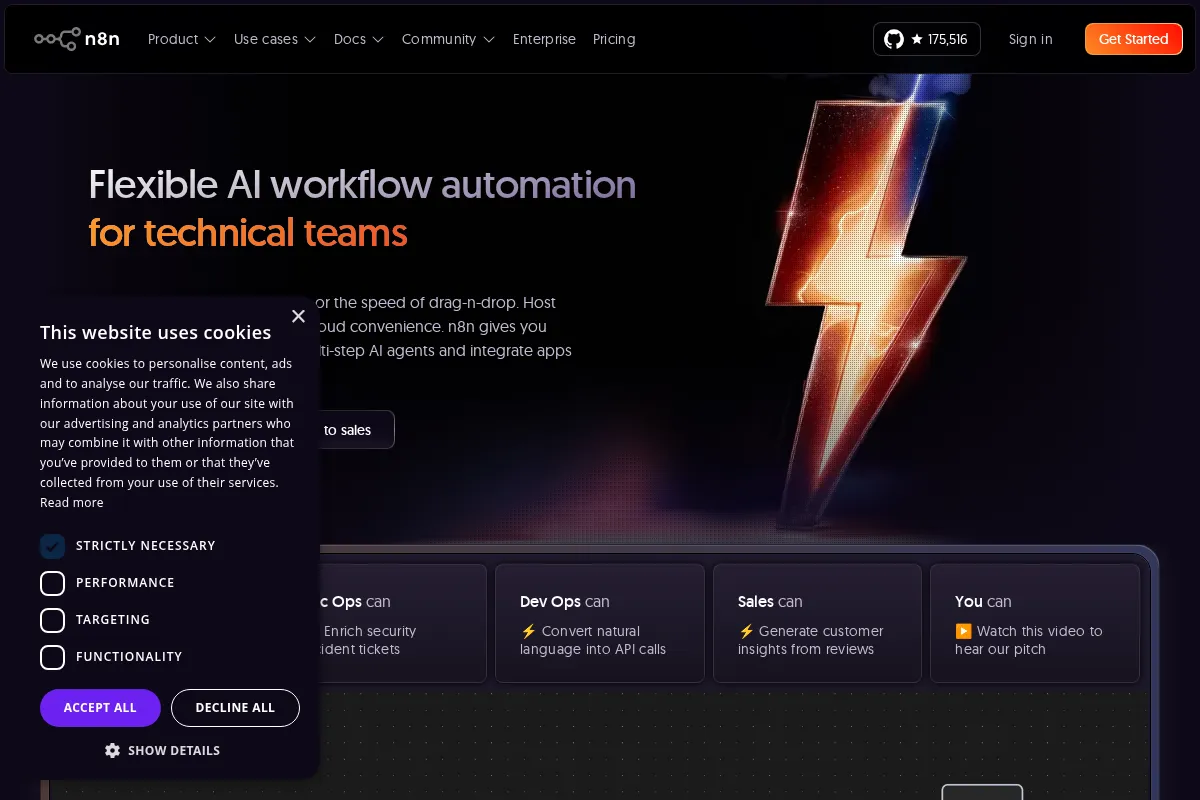
What it is: A workflow automation platform with 400+ integrations, visual editor, and built-in AI nodes. Think of it as “Zapier meets AI agents” but self-hostable.
| Spec | Detail |
|---|---|
| Integrations | 400+ pre-configured |
| AI Features | Document summarisation, Q&A, multi-step agents, LangChain integration |
| Performance | 220 workflow executions per second on a single instance |
| Community | 700,000+ active developers, 145,000+ GitHub stars |
| Funding | $180M Series C (October 2025), $2.5B valuation |
| Cost | Free self-hosted / $50+/month cloud |
Why it matters: By far the most mature and battle-tested option. SOC 2 audited, external pen tests, proven enterprise track record. The $2.5B valuation signals long-term viability.
The catch: It’s a workflow platform, not a personal AI assistant. Execution limits on cloud plans, infrastructure management for self-hosting, steeper learning curve for complex AI workflows.
7. Knolli.ai — No-Code AI Copilots
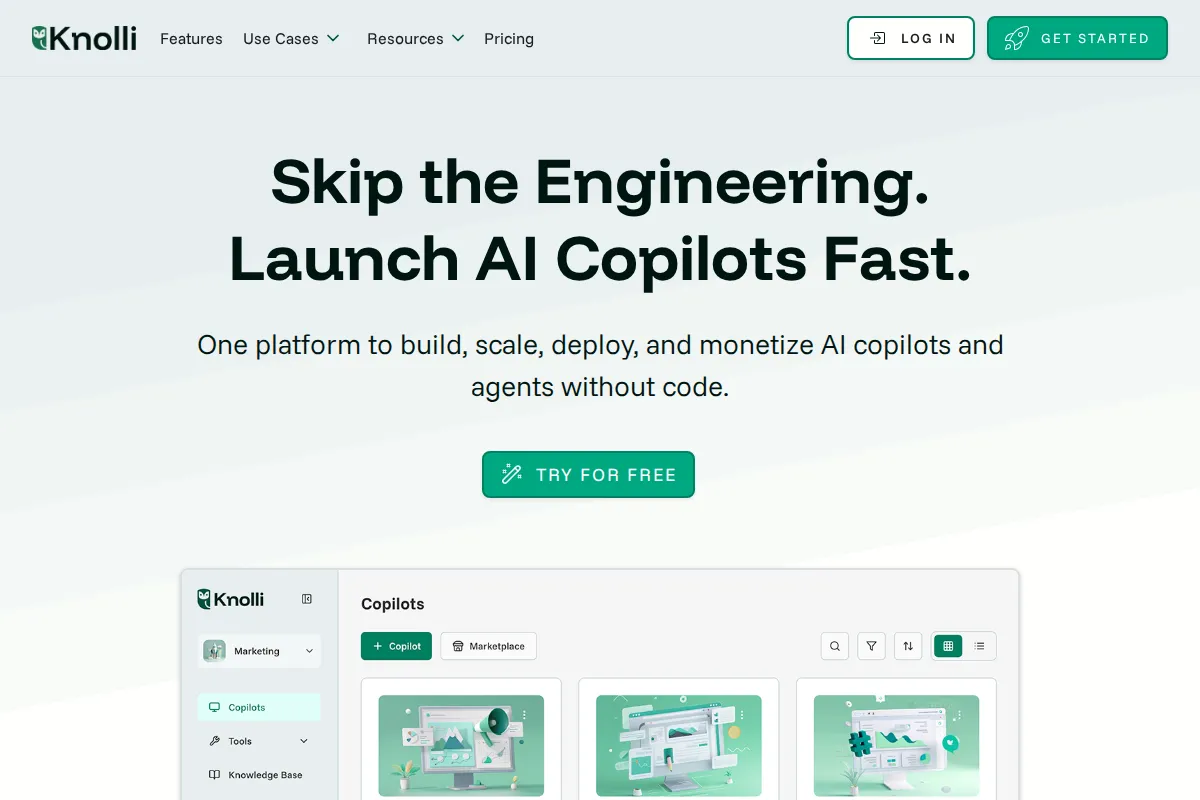
What it is: A no-code platform for building AI copilots from your own knowledge base. Emphasises enterprise safety with role-based access, encryption, and audit logs.
| Spec | Detail |
|---|---|
| Approach | No-code: describe your copilot in plain language |
| Architecture | Multi-agent (specialised agents in parallel) |
| Deploy | Websites, mobile apps, Slack, Teams, WhatsApp |
| Special | Built-in monetisation for copilot creators |
| Cost | Free tier (100 msgs/month), Starter from $39/month |
Why it matters: The only platform that lets non-technical users build AND monetise AI copilots. Good for businesses that want to offer AI-powered services to their own clients.
The catch: Closed-source SaaS, small team (3 people, $330K revenue in 2025), less flexible for developers.
8. Jan.ai — Privacy First, Offline Always
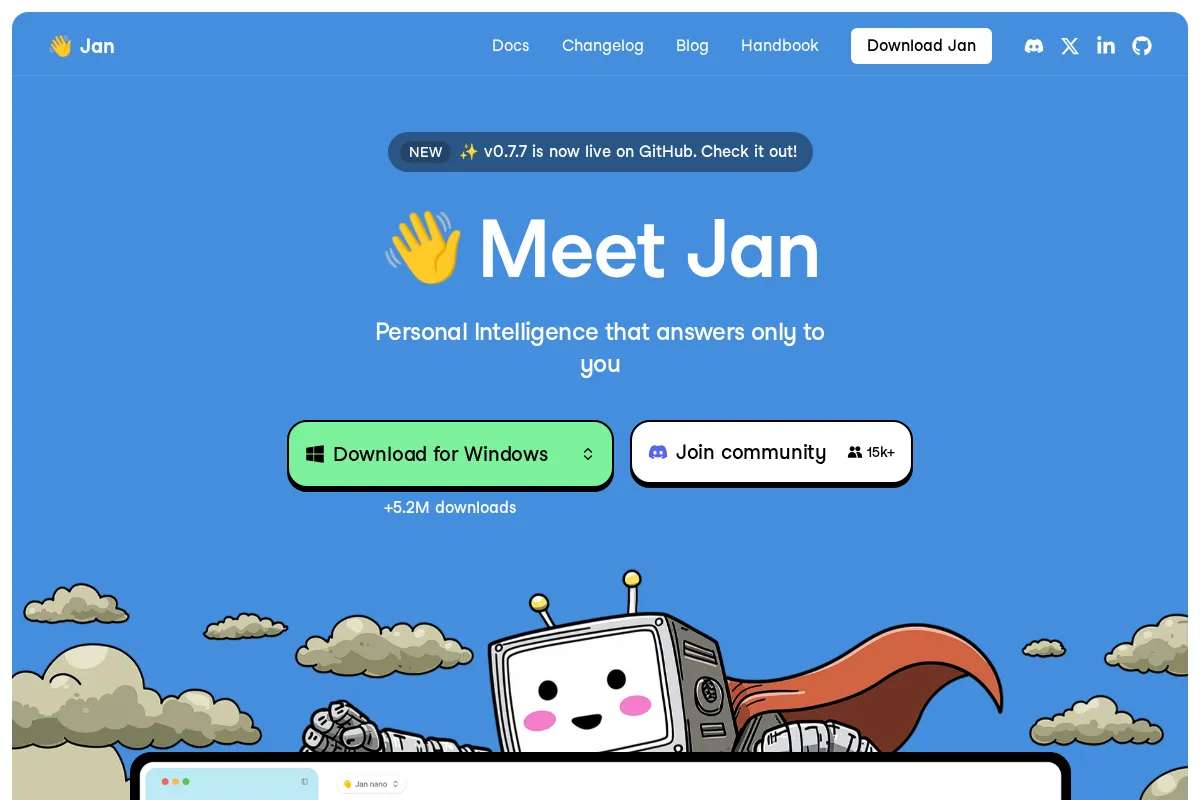
What it is: An open-source ChatGPT alternative that runs 100% offline on your computer. Powered by the Cortex.cpp engine (a C++ local AI runtime).
| Spec | Detail |
|---|---|
| Engine | Cortex.cpp (supports llama.cpp, ONNX, TensorRT-LLM) |
| Models | Llama 3, Mistral, Qwen, Gemma + HuggingFace downloads |
| API | OpenAI-compatible at localhost:1337 |
| Downloads | 4.7M+ |
| GitHub Stars | 40,500+ |
| Cost | Completely free, forever |
Why it matters: Zero data leaves your machine. No subscriptions. No API bills. For privacy-conscious users or regulated industries, this is the safest option by far.
The catch: Requires decent hardware for larger models. Offline models are generally less capable than top cloud models. Desktop-only (no mobile).
9. eesel AI — Customer Service Specialist
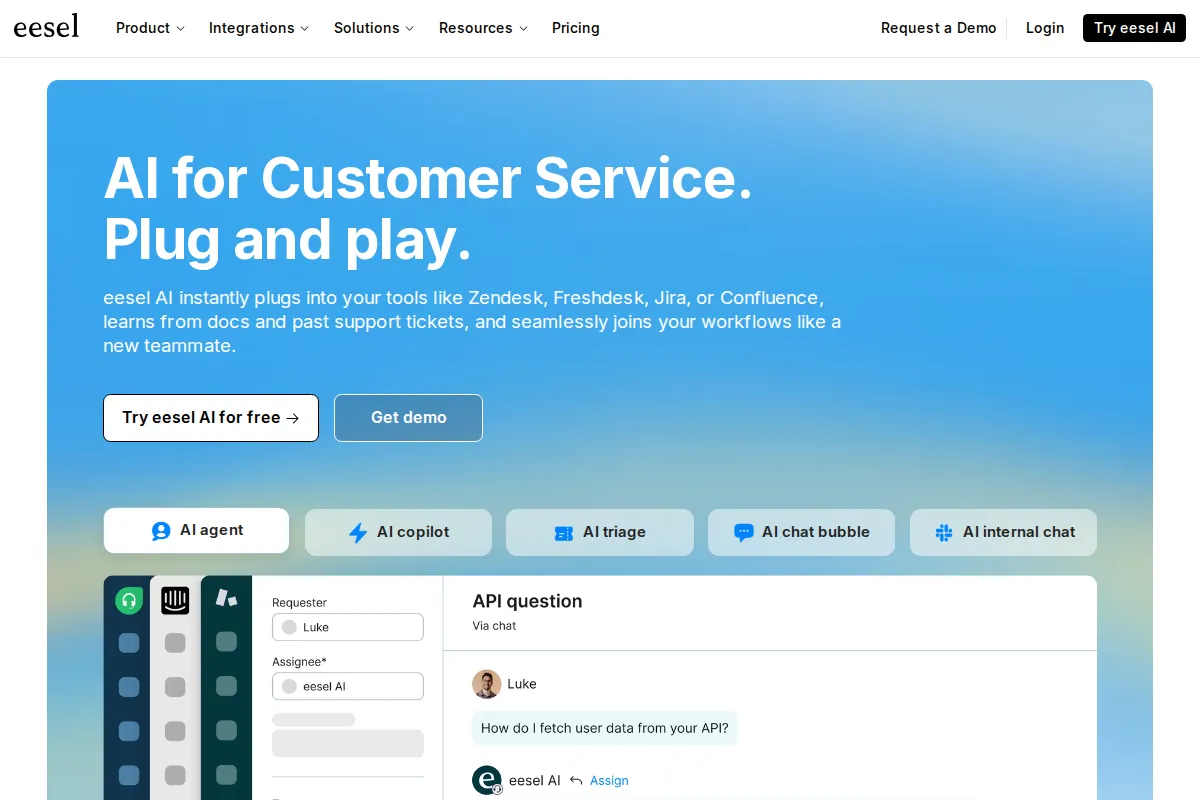
What it is: An AI layer that plugs into Zendesk, Intercom, Freshdesk, and HubSpot. Operates as both an autonomous AI Agent (talks to customers) and an AI Copilot (assists human agents).
| Spec | Detail |
|---|---|
| Modes | AI Agent (customer-facing) + AI Copilot (agent-facing) |
| Training | Learns from past tickets, help articles, internal docs |
| Integrations | Zendesk, Intercom, Freshdesk, HubSpot, Slack, Confluence |
| Setup | One-click connection, trains in minutes |
| Cost | Team $239/month, Business $639/month, Enterprise custom |
Why it matters: Not trying to be everything — it’s laser-focused on customer service and does it well. Plugs into existing infrastructure rather than replacing it.
The catch: No free tier (starts at $239/month), interaction limits, requires an existing helpdesk platform.
ZeroClaw vs NanoClaw: Head-to-Head Comparison
16+ monthly searches for this exact comparison — here’s the full breakdown.
Both ZeroClaw and NanoClaw launched in 2025 as security-conscious alternatives to OpenClaw. They solve the same problem (agent isolation) but from completely different angles.
| Feature | ZeroClaw | NanoClaw |
|---|---|---|
| Language | Rust | TypeScript |
| Binary size | 3.4MB | ~15 source files |
| Isolation method | Process + memory safety | Linux containers |
| Cold start | < 10ms | ~2–3s (container spin-up) |
| RAM footprint | < 5MB | ~150MB (container overhead) |
| LLM support | 20+ providers | Claude-focused |
| GitHub stars | 5,200+ | 7,000+ |
| Best for | Edge devices, IoT, Raspberry Pi | Dev machines, security-first teams |
| Weakness | Smaller ecosystem | Container runtime required |
The verdict: If you’re deploying on constrained hardware or need raw speed, ZeroClaw wins. If you’re a developer who wants total host isolation and doesn’t mind Docker, NanoClaw wins. They’re not competing — they’re solving different sub-problems.
OpenClaw vs n8n: Which Should You Choose in 2026?
15+ monthly searches — these two tools get compared constantly, but they’re solving fundamentally different problems.
| OpenClaw | n8n | |
|---|---|---|
| What it is | Personal AI agent via messaging | Visual workflow automation platform |
| GitHub stars | 160,000+ | 50,000+ |
| Pricing | Free + $300–750/mo API costs | Free (self-hosted) or $20–50/mo cloud |
| Setup difficulty | Hard (security expertise needed) | Medium (drag-and-drop) |
| Best for | Conversational task automation | Business process automation |
| Security posture | Multiple critical CVEs | SOC 2 audited |
| LLM integration | Core feature | Bolt-on (via AI nodes) |
| Messaging channels | WhatsApp, Telegram, Slack | Via webhook/API integrations |
| Valuation | Foundation (post-creator departure) | $2.5B (enterprise-backed) |
The honest answer: OpenClaw and n8n aren’t direct competitors. OpenClaw is a personal AI assistant you talk to. n8n is a workflow engine you configure. If you want to automate business processes with a visual canvas, choose n8n. If you want an AI you can message to draft emails and manage projects, OpenClaw (or its alternatives) is closer to what you need — but read the security section above first.
Agent Zero vs OpenClaw: Full Comparison
13+ monthly searches — both are powerful open-source agents, but very different philosophies.
Agent Zero (Jan Misali, GitHub: 9,500+ stars) positions itself as a “general purpose AI agent framework” that runs Docker containers and supports multi-agent hierarchies. It’s more of a developer framework than a personal assistant.
| Agent Zero | OpenClaw | |
|---|---|---|
| Stars | 9,500+ | 160,000+ |
| Language | Python | TypeScript |
| Isolation | Docker containers | None (host-level) |
| Interface | Web UI + terminal | Messaging apps |
| LLM providers | OpenAI, Anthropic, Ollama, etc. | Claude, GPT-4, others |
| Agent hierarchy | Multi-agent swarms | Single agent |
| Setup | Docker required | Complex config |
| Community | Growing | Massive (but fragmented post-creator exit) |
| Best for | Developers building agent systems | Personal assistant automation |
| Security | Better (containerised) | Poor (multiple CVEs) |
Bottom line: Agent Zero is a framework for building multi-agent systems. OpenClaw is a ready-made personal agent. Agent Zero is more technically demanding but architecturally sounder. If you’re building something custom, Agent Zero has the edge. If you want something that connects to your messaging apps today, OpenClaw (cautiously) or one of its alternatives is the better starting point.
The Comparison at a Glance
Scroll right on mobile to see all columns.
| Tool | Best For | Monthly Cost | Setup | Security | Hosting | Rating | Our Verdict |
|---|---|---|---|---|---|---|---|
| OpenClaw | Developers & tinkerers | $300–750+ (API) | Hard | Critical CVEs | Self-hosted | 2.5/5 | Powerful but expensive & risky |
| Nanobot | Privacy-conscious devs | API costs only | Medium | Auditable code | Self-hosted | 4.0/5 | Best lightweight OpenClaw alternative |
| NanoClaw | Security-focused devs | API costs only | Medium | Container isolated | Self-hosted | 4.0/5 | Best for host isolation |
| ZeroClaw | Edge & IoT deployments | API costs only | Medium | Minimal surface | Self-hosted | 4.5/5 | Fastest agent, runs on anything |
| IronClaw | Maximum-security environments | API costs only | Hard | WASM sandboxed | Self-hosted | 3.5/5 | Most secure, but niche |
| memU | Adding memory to existing agents | Free / custom | Medium | Framework only | Both | 3.0/5 | Solves memory, not a full agent |
| n8n | Enterprise workflow automation | Free / $50+ | Medium | SOC 2 audited | Both | 4.0/5 | Enterprise-grade, different category |
| Knolli.ai | Non-technical teams | Free / $39+ | Easy | Enterprise-grade | Cloud only | 3.5/5 | Great no-code option, small team |
| Jan.ai | Privacy-first / offline use | Free | Easy | Zero data shared | Local only | 4.0/5 | Best offline/privacy choice |
| eesel AI | Customer service teams | $239+ | Easy | Encrypted | Cloud only | 3.5/5 | Excellent for support, pricey |
| Zack AI ⭐ | Businesses wanting it all managed | Fixed monthly | Zero setup | Human-in-the-loop | Managed cloud | 4.5/5 | Only fully managed option |
What Do People Actually Want From an AI Agent?
After reading hundreds of Reddit threads, GitHub issues, Hacker News comments, and product reviews, the complaints cluster around the same recurring themes:
1. Costs That Don’t Spiral Out of Control
The number one complaint, by far. People love the idea of an always-on AI assistant but can’t stomach $300–750/month in API tokens. They want budget caps, cheaper model options, and transparent pricing.
2. Security That Doesn’t Require a PhD
Storing API keys in plain text. Malicious community plugins. CVEs within weeks of launch. Users want security on by default — not as an opt-in afterthought.
3. One-Click Setup
“I spent 3 hours just getting it configured” is a common refrain. People want an assistant that works out of the box, not a weekend DevOps project.
4. Persistent Memory That Actually Works
Most AI agents either forget everything between sessions or burn through tokens re-reading old context. Users want an assistant that knows their preferences, remembers past projects, and doesn’t ask the same questions twice.
5. A Vetted Skill/Plugin Marketplace
The OpenClaw experience proved that an unvetted marketplace is a security nightmare. Users want curated, reviewed, safe extensions.
6. Production-Grade Reliability
Agents that crash, lose context mid-task, or hallucinate actions are worse than no agent at all. Businesses need deterministic, reliable automation they can trust.
Is There an AI Agent That Just Works Out of the Box?
Here’s the thing about every tool on this list: they’re all frameworks. They give you the building blocks and expect you to assemble, configure, secure, and maintain the result yourself. That’s brilliant if you’re a developer who enjoys that. But most businesses just want the outcome — the tasks done, the emails drafted, the reports generated, the clients contacted.

At Zack AI, we took a different approach. Instead of shipping a framework and hoping users figure it out, we built a managed AI business assistant that handles the entire stack:
Predictable costs, no API bill shock. You don’t get a surprise $750 invoice because we manage the model routing, token optimisation, and budget controls internally. The cost is the cost.
Security by architecture, not by hope. Human-in-the-loop approval on every outbound action — emails are drafted for review, not sent blindly. No community plugin marketplace to get compromised. No API keys in plain text.
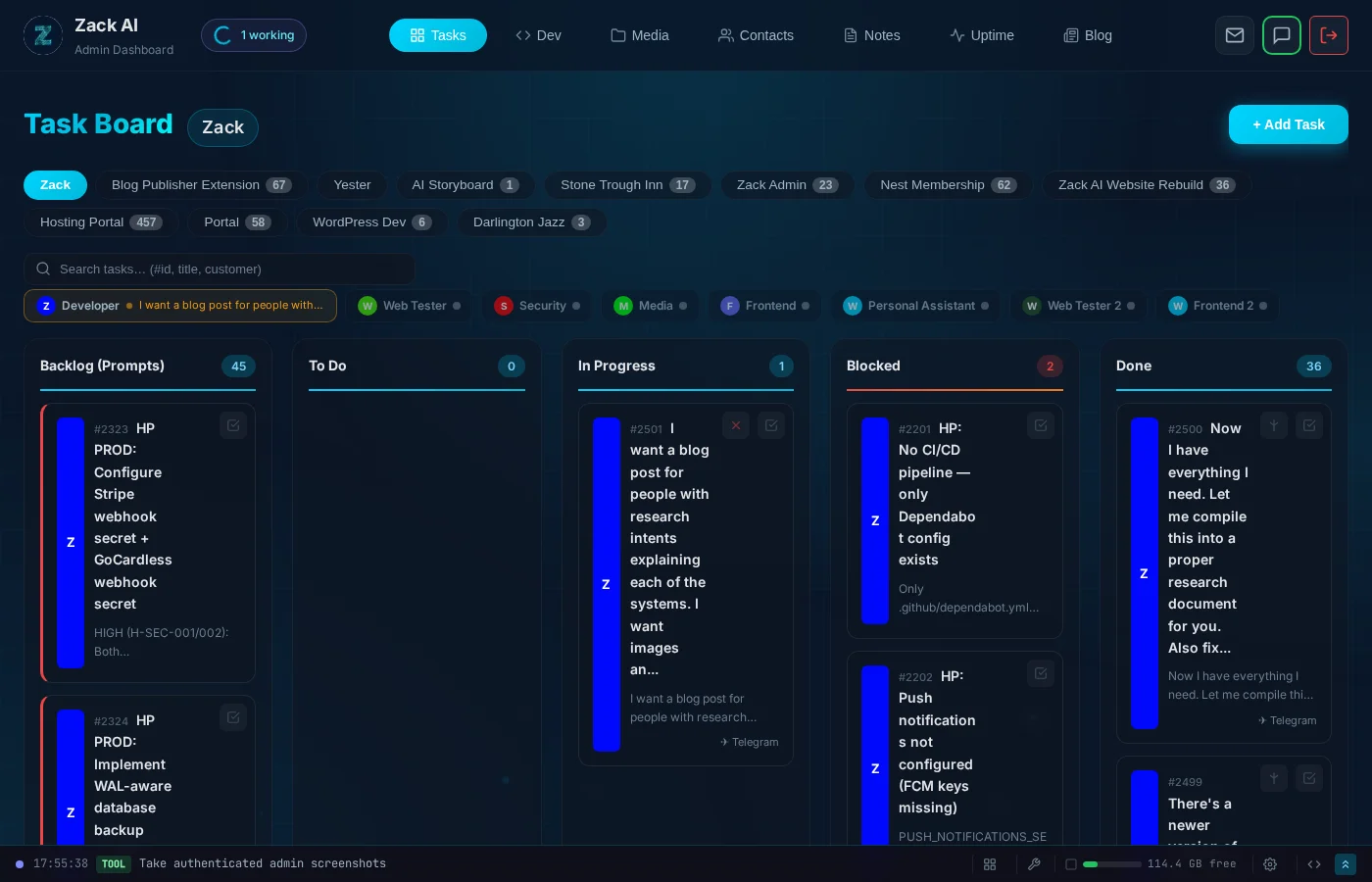
Memory that actually works. A structured knowledge graph with topic-based memory files, cross-worker context sharing, and intelligent context windowing. Zack remembers your contacts, your brand guidelines, your past projects — without burning through tokens re-reading everything.
Zero setup. No Docker. No Rust compiler. No WASM runtime. No “clone the repo and run npm install.” It works on day one through the channels you already use (Telegram, email) with a full web dashboard for oversight.
Multi-worker architecture. Instead of one monolithic agent trying to do everything, specialised workers handle different domains — development, content, SEO, design, customer outreach — each with their own tools, memory, and expertise.
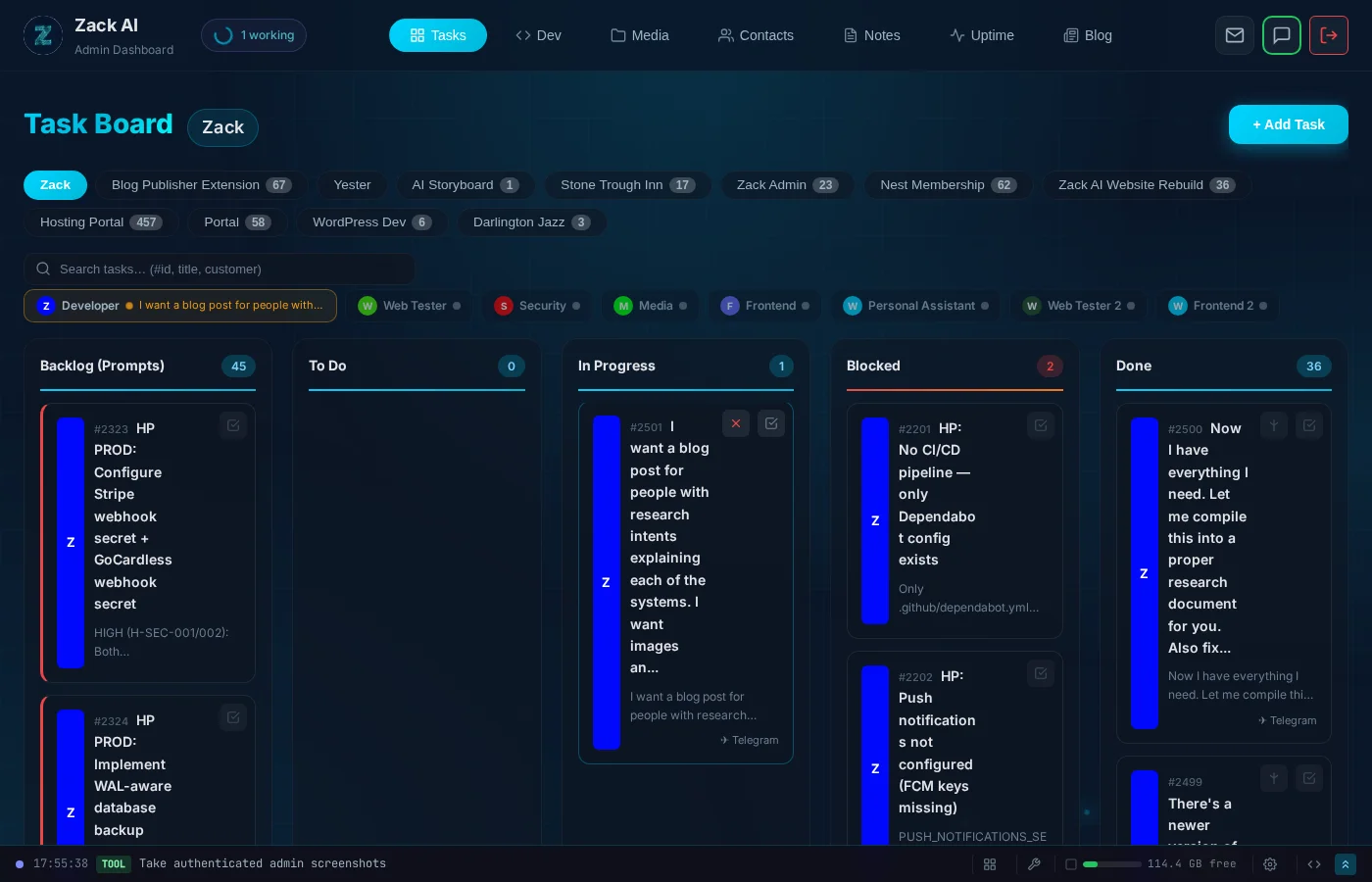
Production reliability. Activity logging on every action. Kanban task boards with dependency tracking. Automated monitoring, error recovery, and status updates via Telegram. This isn’t a side project — it’s infrastructure that runs a business.
Which AI Agent Should You Choose in 2026?
The AI agent space in 2026 is exciting but chaotic. OpenClaw proved that people desperately want an AI assistant that handles real tasks through messaging. But the cost, security, and reliability problems are real.
If you’re a developer who wants to tinker, Nanobot (for simplicity), ZeroClaw (for performance), or NanoClaw (for security) are excellent starting points. If you need enterprise workflow automation, n8n is the proven choice. If privacy is non-negotiable, Jan.ai runs entirely offline.
But if you’re a business that wants an AI assistant that actually works — that drafts your emails, manages your projects, generates your content, monitors your websites, and handles your client outreach — without you needing to become a DevOps engineer first?
That’s a different problem. And it’s the one we’re solving.
Key Takeaways
- OpenClaw has serious cost and security problems. $300–750/month in API tokens, multiple CVEs, and 17% of community Skills flagged as malicious. Powerful but risky.
- Nanobot is the best lightweight alternative — 4,000 lines of auditable Python vs OpenClaw’s 430,000 lines of TypeScript.
- ZeroClaw runs on $10 hardware — a 3.4MB Rust binary with sub-10ms cold starts and 98% cheaper infrastructure than alternatives.
- n8n is the enterprise choice — $2.5B valuation, SOC 2 audited, 400+ integrations, but it’s a workflow platform, not a personal assistant.
- Jan.ai is the privacy choice — runs 100% offline with zero data leaving your machine.
- The real gap in the market is orchestration, not intelligence. No open-source tool combines multi-worker specialisation, task management, security audits, and managed costs in one package.
Frequently Asked Questions
Which AI agent is the cheapest in 2026?
Jan.ai is completely free and runs 100% offline — no API costs at all. For cloud-connected agents, Nanobot, NanoClaw, and ZeroClaw are all free to self-host and only charge your own API costs (typically $5–50/month for moderate use). OpenClaw is the most expensive at $300–750/month in API tokens alone.
Is OpenClaw safe to use?
OpenClaw has had multiple critical CVEs disclosed in early 2026, 17% of community Skills were flagged as malicious, and API keys are stored in plain text. Palo Alto Networks called it a “lethal trifecta.” If you understand the security risks and can audit/lock down the configuration, it can work. For most users, a container-isolated alternative like NanoClaw or a managed solution like Zack AI is safer.
What is the best alternative to OpenClaw?
It depends on your priority. Nanobot is the best lightweight alternative (4,000 lines vs OpenClaw’s 430,000). NanoClaw is best for security (container isolation). ZeroClaw is best for performance (sub-10ms cold starts, runs on $10 hardware). n8n is best for enterprise workflows. Zack AI is the only fully managed option that requires zero setup.
Which AI agent works completely offline?
Jan.ai is the only agent on this list that runs 100% offline. It uses the Cortex.cpp engine to run models locally on your machine with zero data leaving your device. It supports Llama 3, Mistral, Qwen, Gemma and other open models.
What is the best AI agent for small businesses?
For small businesses that don’t want to manage infrastructure, Zack AI provides a fully managed AI assistant with predictable costs, human-in-the-loop security, and zero setup. For businesses with technical teams, n8n offers enterprise-grade workflow automation with 400+ integrations starting from $50/month. Knolli.ai is another option for non-technical teams at $39/month.
This is an independent comparison based on publicly available information, documentation, community feedback, and hands-on testing as of February 2026. We have no affiliation with any of the tools listed above.
More Posts

Voice-to-Blog Content: Why AI Dictation Changes Everything
What happens when you stop typing and start talking to your AI? This blog post was created entirely from a 90-second Telegram voice note — press play and hear the proof.
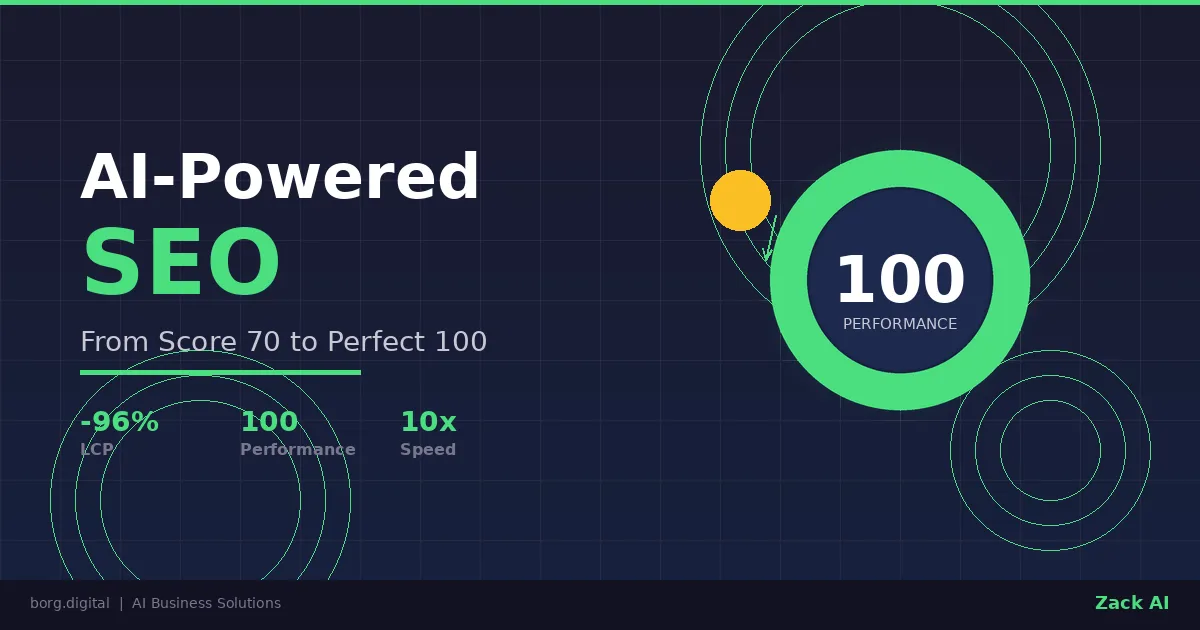
AI-Powered SEO: How We Scored 100 on Google Lighthouse
We ran a full SEO audit on zackbot.ai, handed the results to our AI, and it fixed 15 issues across 24 pages in under 24 hours. Lighthouse Performance: 70 to 100.

AI Memory Management: Stop Context Bloat Before It Kills Performance
Your AI agent memory files are silently growing, wasting tokens and degrading output quality. Here are three self-enforcing rules you can paste into your MEMORY.md today to fix it permanently.
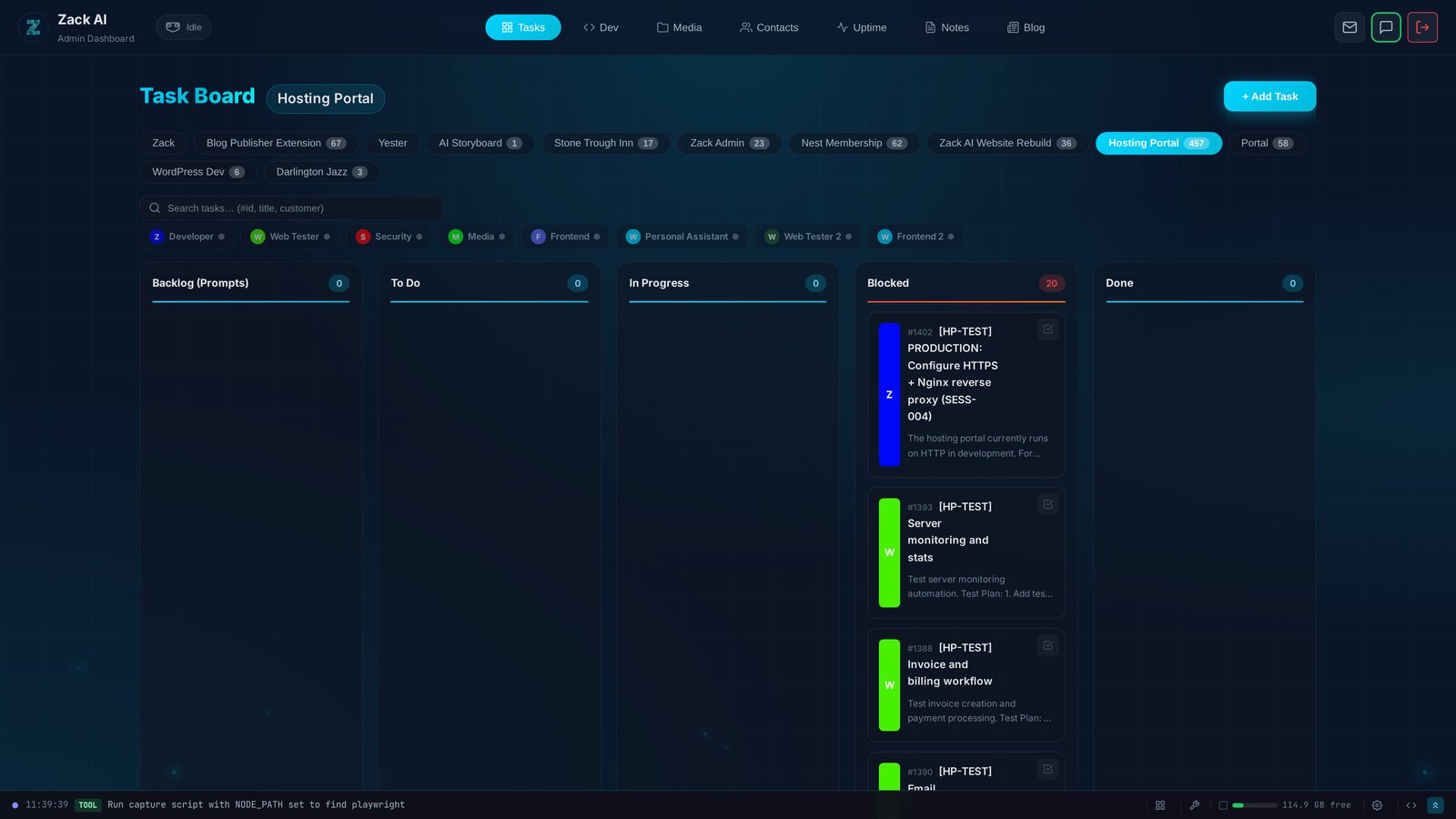
7 AI Workers, 457 Tasks, 12 Days: Shipping a Hosting Portal at Scale
Every AI coding tool today operates on the same model: one human, one AI, one conversation. We built something different — a Kanban system where 7 specialised AI workers delivered a production hosting portal with billing, security audits, and test exit reports. In 12 days.