
AI Memory Management: Stop Context Bloat Before It Kills Performance
If you’re using Claude Code (or any AI agent with persistent memory), there’s a problem quietly eating your context window: memory file bloat.
Every time your agent learns something new, it appends to memory files. Over hours of work, those files balloon with duplicated info, stale notes, and verbose formatting. The result? Wasted tokens, slower responses, and degraded output quality — because your agent is spending its context budget reading its own cruft instead of focusing on your task.
Here’s how to fix it permanently.
TL;DR: Add three self-enforcing rules to your AI memory files: (1) an 80-line cap per file, (2) compact-on-write (re-read before editing, merge don’t append), and (3) opportunistic staleness sweeps. These rules make your AI agent self-maintaining — paste them in and never manually clean up memory files again.
The Problem
AI memory files (like MEMORY.md in Claude Code) persist across conversations. That’s powerful — your agent remembers project conventions, API patterns, and your preferences.
But without guardrails, these files grow unchecked:
- New info gets appended instead of merged
- Superseded facts sit alongside current ones
- Verbose formatting wastes lines on information that could be compressed
- Nobody cleans up — so you end up prompting “optimise my memory files” every few hours
We measured a 211-line memory file that compressed to 62 lines (a 70% reduction) with zero information loss. That’s 150 lines of wasted context on every single conversation.
The Fix: 3 Self-Enforcing Rules
The trick is making the agent responsible for its own hygiene. Add these rules to your MEMORY.md (or equivalent persistent instruction file) and every conversation will inherit them automatically.
Copy and paste this block:
## Memory Hygiene Rules
- **80-line cap** per topic file. If a file exceeds this after an edit,
  compact it before saving.
- **Compact on write**: before editing any memory file, re-read it first.
  Merge new info into existing sections — never blindly append.
  Delete anything superseded.
- **Staleness sweep**: if you read a memory file and notice stale/redundant
  content, compact it as a side-effect — no separate prompt needed.
That’s it. Three rules, six lines.
Why These Work
Rule 1: The 80-Line Cap
A hard limit forces compression. Without one, files grow indefinitely because there’s no trigger to clean up. The cap creates a natural checkpoint — every write operation becomes a potential compaction event.
80 lines is a sweet spot: enough room for meaningful reference material, tight enough to prevent bloat. Adjust to your needs, but pick a number and enforce it.
Rule 2: Compact on Write
This is the big one. Most bloat comes from blind appending — the agent dumps new info at the bottom without checking what’s already there. “Compact on write” flips the behaviour:
- Re-read the file before editing
- Merge new info into existing sections
- Delete anything the new info supersedes
This means every write operation is also a cleanup operation. The file stays lean as a side-effect of normal use.
Rule 3: The Staleness Sweep
This catches what Rule 2 misses. Sometimes a memory file has stale content that no new write would touch — old API endpoints, deprecated patterns, references to deleted files.
The staleness sweep makes cleanup opportunistic: whenever the agent reads a memory file for any reason, it tidies up anything obviously outdated. No dedicated prompt needed. No scheduled maintenance. It just happens.
Bonus Tips
Organise by topic, not chronologically. Semantic grouping (“API Patterns”, “Deployment”, “Preferences”) makes it easier for both you and the agent to find and merge information. Chronological notes (“2024-01-15: learned X”) are the fastest path to bloat.
Use terse formatting. Tables, pipe-separated values, and inline lists pack more info per line than verbose prose. Your agent doesn’t need full sentences to recall facts.
Split into topic files. One massive memory file is harder to manage than several focused ones. Keep your main MEMORY.md as an index with universal preferences, and use topic-specific files for detailed reference material.
Before and After: A Real Example
Here’s what uncontrolled memory bloat looks like vs the same information after applying these rules:
Before (22 lines):
## SSH Notes
- SSH commands can hang the worker queue if they don't exit
- Remember to use nohup for background processes on remote servers
- When running SSH commands, always add a timeout
- The SSH config has keepalive settings configured globally
- For long-running processes, use: ssh host 'nohup cmd > /dev/null 2>&1 & exit'
- Short commands should use: ssh -o ConnectTimeout=10 host 'cmd'
- Never run daemons directly over SSH (e.g. npx next start, npm run dev)
- Always background them with nohup
- Use timeout 120 ssh host 'cmd' for commands that might hang
- Found this out the hard way on Feb 12 when the worker hung for 3 hours
- The global SSH config enforces keepalive and timeout settings
- Background processes need nohup so SSH exits immediately
After (6 lines):
## SSH
- **Background**: `ssh host 'nohup cmd > /dev/null 2>&1 & exit'`
- **Short cmds**: `ssh -o ConnectTimeout=10 host 'cmd'`
- **Never** run daemons directly — always nohup + background
- **Timeout wrapper**: `timeout 120 ssh host 'cmd'`
Same information. 73% fewer lines. 73% fewer tokens burned on every single request.
The Bottom Line
Memory bloat is a silent performance killer. Every redundant line in your memory files is a line your agent reads — and pays for — on every single conversation. The three rules above make your agent self-maintaining: it cleans up after itself, enforces its own limits, and sweeps for staleness as a side-effect of normal work.
Paste them in, and never manually optimise your memory files again.
Key Takeaways
- Every line in a memory file costs tokens on every request. A 150-line reduction at $15/MTok (Opus) saves roughly $0.56 per request in pure context overhead.
- The 80-line cap forces compression. Without a hard limit, files grow indefinitely. The cap creates natural compaction checkpoints.
- Compact-on-write is the most impactful rule. Re-reading before editing, merging into existing sections, and deleting superseded info keeps files lean as a side-effect of normal use.
- Staleness sweeps catch what compact-on-write misses. Old API endpoints, deprecated patterns, deleted file references — cleaned up opportunistically whenever the agent reads the file.
- Organise by topic, not chronologically. Semantic grouping makes merging easier and prevents duplicate entries across dates.
Related reading: How we cut Claude API costs by 70% with a Memory Matrix | Building an AI-powered static blog engine
More Posts

Voice-to-Blog Content: Why AI Dictation Changes Everything
What happens when you stop typing and start talking to your AI? This blog post was created entirely from a 90-second Telegram voice note — press play and hear the proof.

AI-Powered SEO: How We Scored 100 on Google Lighthouse
We ran a full SEO audit on zackbot.ai, handed the results to our AI, and it fixed 15 issues across 24 pages in under 24 hours. Lighthouse Performance: 70 to 100.

OpenClaw vs NanoClaw vs ZeroClaw 2026: Every AI Agent Tested & Compared
OpenClaw hit 160,000 GitHub stars and then its creator left for OpenAI. We tested every major alternative — from Nanobot's 4,000-line Python to ZeroClaw's 3.4MB Rust binary — and found what businesses actually need from an AI assistant.
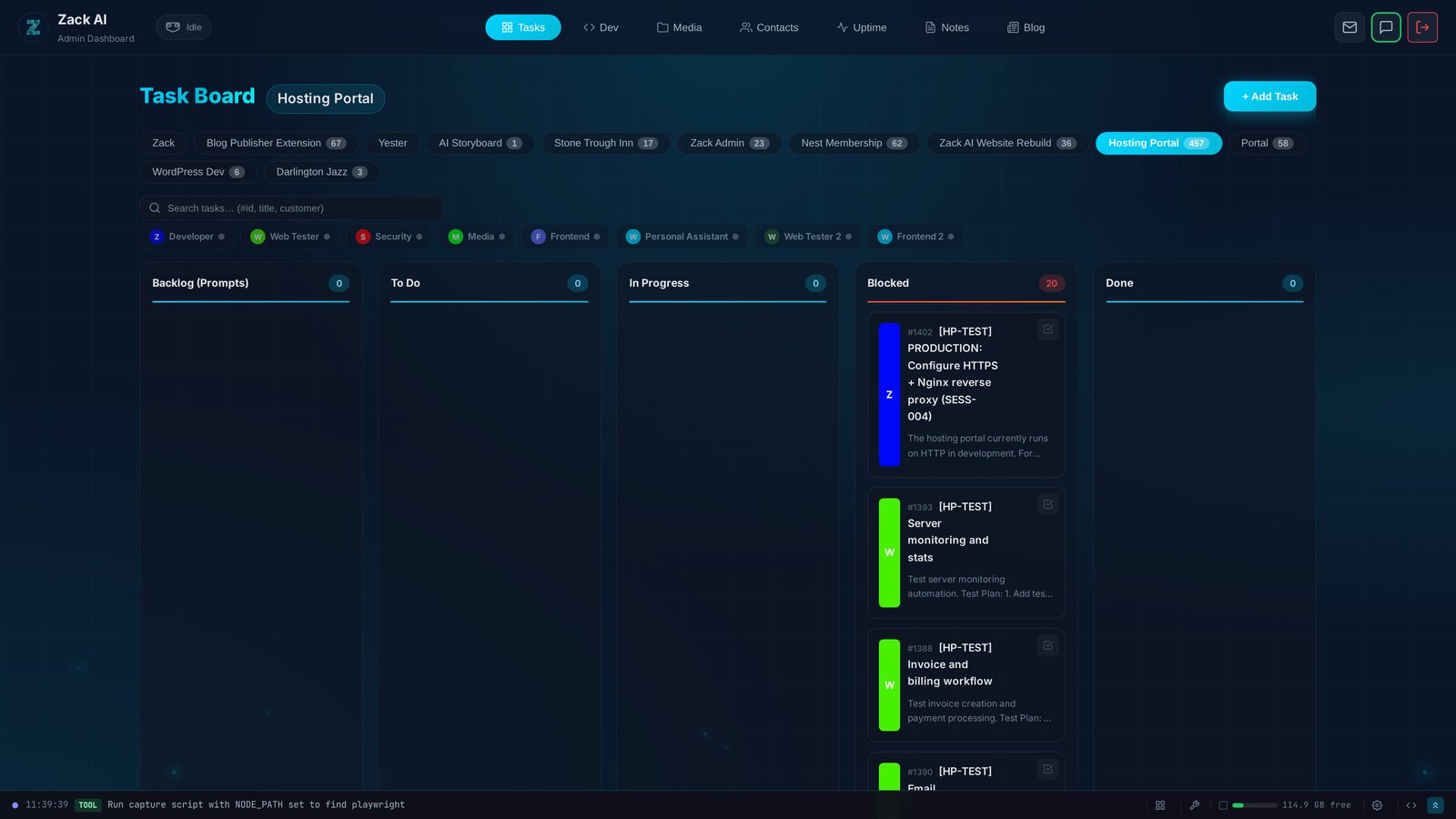
7 AI Workers, 457 Tasks, 12 Days: Shipping a Hosting Portal at Scale
Every AI coding tool today operates on the same model: one human, one AI, one conversation. We built something different — a Kanban system where 7 specialised AI workers delivered a production hosting portal with billing, security audits, and test exit reports. In 12 days.